How to Audit and Clean Up GoHighLevel Workflows
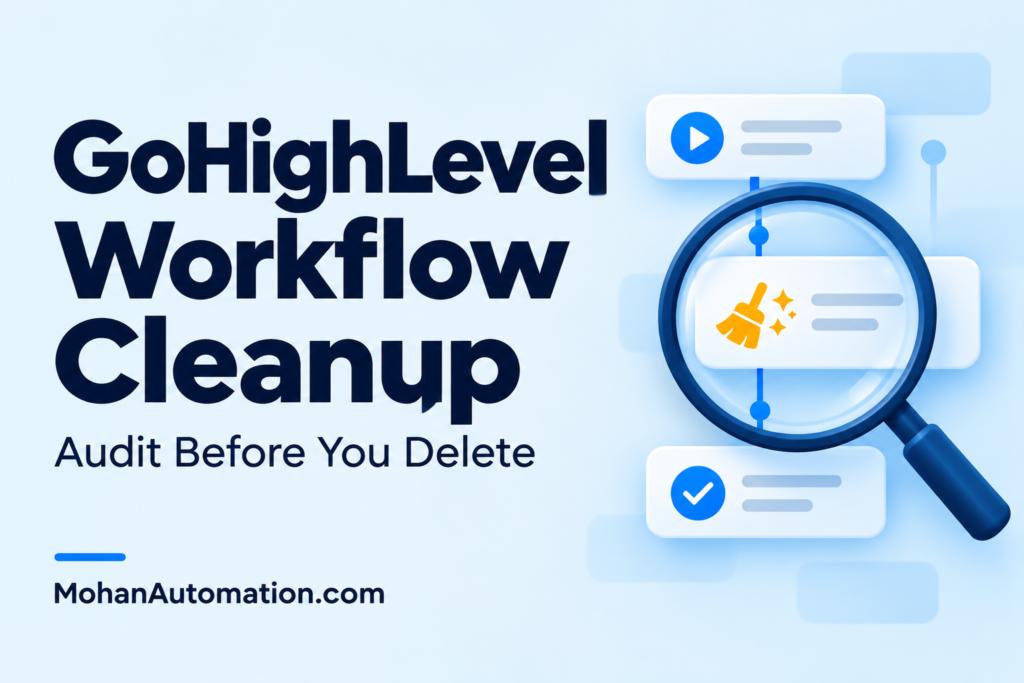
They may have worked with several developers, imported a snapshot, or added automations whenever a new requirement came up. Eventually, nobody can clearly explain how everything connects.
Some leads receive duplicate texts. Others miss a follow-up. Customers book an appointment but keep receiving messages asking them to schedule.
Cleaning up the account makes sense. But before deleting anything, you need to understand what each workflow does and what depends on it.
This guide explains how to review your existing automations, identify unnecessary steps, and simplify your setup without disrupting your customer follow-up.
How do you clean up GoHighLevel workflows?
Start by documenting each workflow’s purpose, triggers, dependencies, and active contacts. Review execution history, identify overlapping actions, and decide what to keep, improve, or retire. Test changes with controlled contacts before publishing, then monitor the affected customer journeys.
The goal is reliable follow-up and a system your team understands.
Why you should audit before deleting steps
An action can look unnecessary when you view it in isolation.